|
|
【myApps/OBPM版本号】:v5.0- sp 1
【浏览器类型】:Chrome/其他
【联系方式-QQ】:请留下您的QQ号码
【联系电话】: 请留下您的联系电话,以便技术同事更好解决您的问题
【问题描述】:
Q:
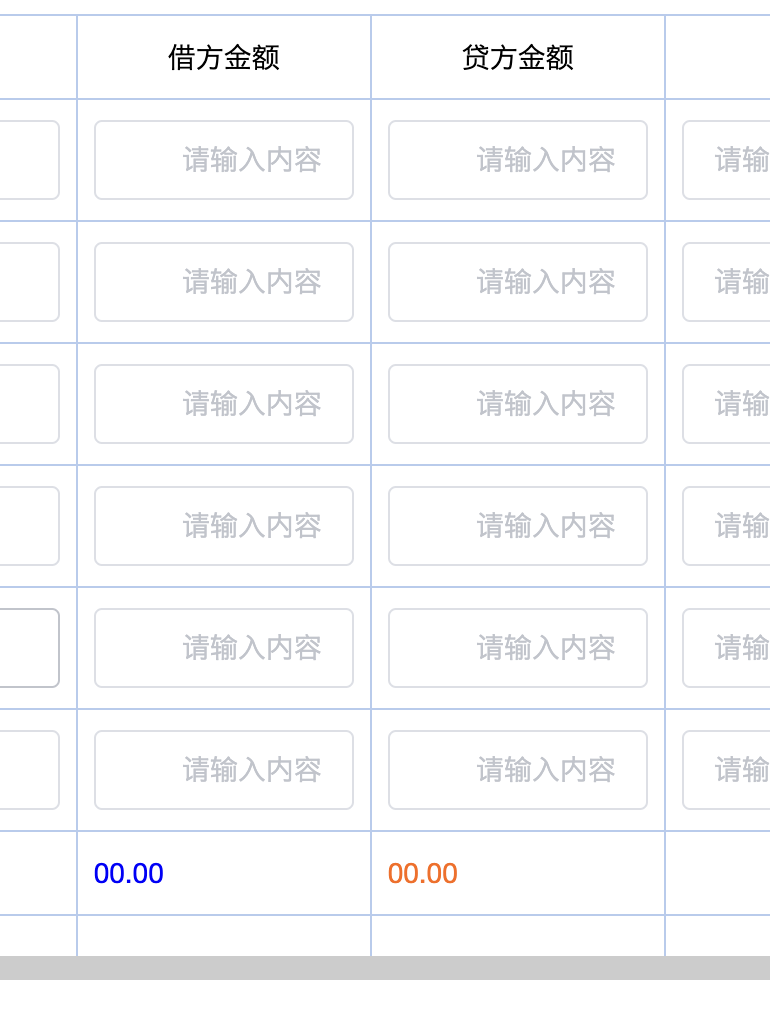
如何用脚本对对应的控件值调整属性?
A:
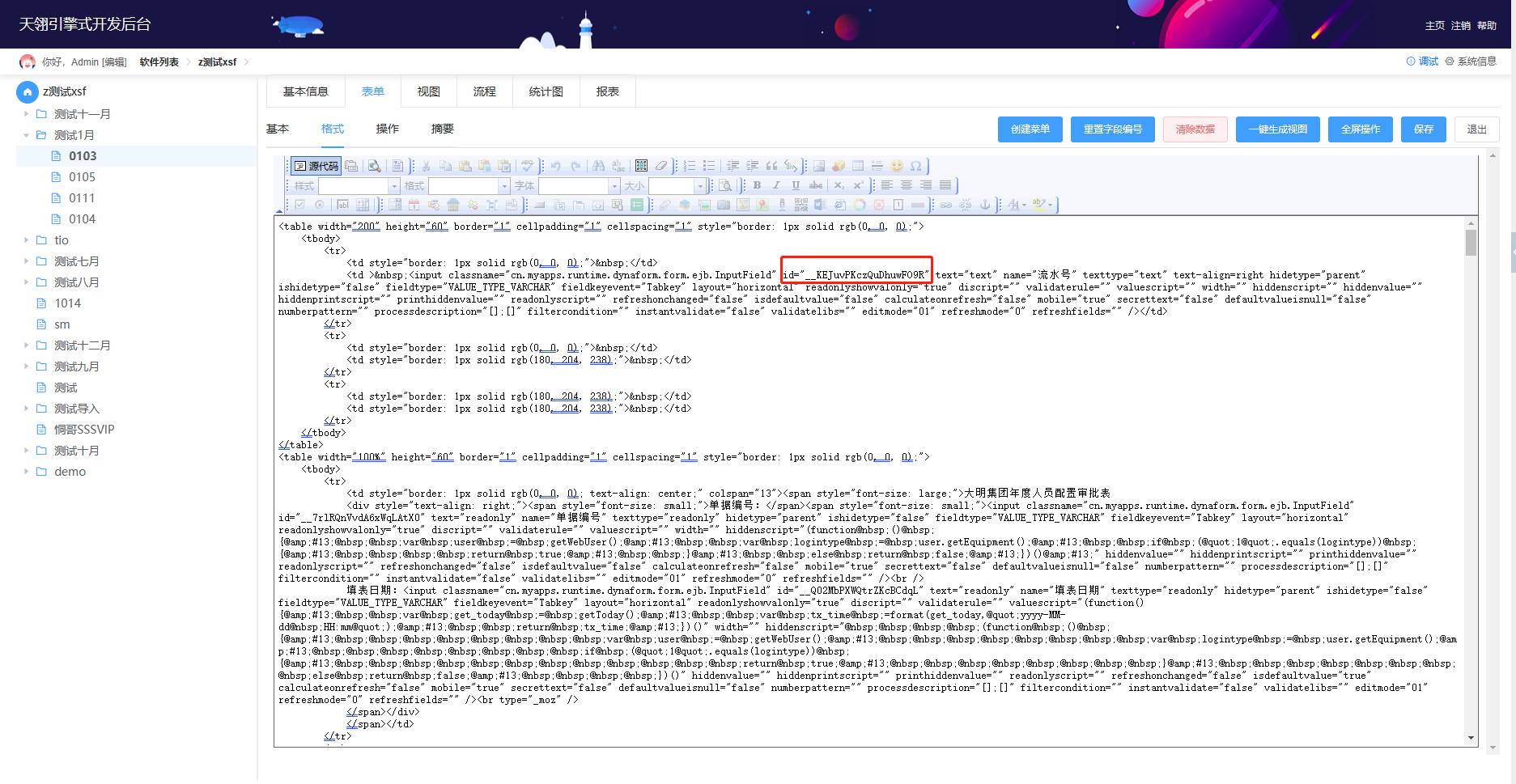
这种是在表单源代码写样式
有点类似这种吧 ,具体操控控件的还没有示例
(function(){
    var doc=getCurrentDocument();
    var btn1=doc.getStateLabel();  
println("btn1"+btn1);
    var btn2=doc.getItemValueAsString("SchedulingMode");
println("SchedulingMode:"+btn2)
 
    var html ="<script type=\"text/javascript\">";
    html += "$(document).ready(function(){";
   
   if("车队".equals(btn2)){
        if("总派车调度".equals(btn1)){
          println("22222")
            html+="jQuery(\".info\").css(\"display\",\"\");";
            html+="jQuery(\".carteam\").css(\"display\",\"\");";            
            html+="jQuery(\".car\").css(\"display\",\"none\");";
            html+="jQuery(\".hotel\").css(\"display\",\"none\");";
            html+="jQuery(\".people\").css(\"display\",\"none\");";
        }
    }
    html+= "});";
    html+=" </script>";
    return html;
})();
|
-
|
 |手机版|天翎MyApps技术社区
( 粤ICP备11093750号 )
|手机版|天翎MyApps技术社区
( 粤ICP备11093750号 )



 IP卡
IP卡 狗仔卡
狗仔卡
 提升卡
提升卡 置顶卡
置顶卡 沉默卡
沉默卡 喧嚣卡
喧嚣卡 变色卡
变色卡 显身卡
显身卡